Building Information Modeling (BIM)
BIM Project
What BIM is
BIM (Building Information Modeling) is a 3D information-sharing process used by everyone involved in designing and building a structure. Where 2D CAD produces separate drawings that have to be updated one by one, a BIM model holds plans, sections, views, and quantities in one place. Update the model and the rest follows.
Why this matters for manufacturers
In the UK and increasingly in Turkey, BIM is becoming the default for project design. That means the lighting products specified in a project need to exist as BIM objects, and those objects need to be current.
When BIM files are out of date, your products fall out of designers’ libraries quietly. The competitive product across the table gets specified instead, because its data was there when the architect needed it.
Most brands publish BIM files once and then struggle to keep them current. New products, revised specs, discontinued SKUs, all of it requires re-exporting and re-uploading. The process is slow enough that it rarely happens.
How we do it
We take a different route with BIM Project, of which we’re the Turkey representative.
Instead of producing a 3D replica of each product one at a time, BIM Project generates BIM files automatically from your product database, dropped onto generic geometric forms. The result is a complete library that stays current because it regenerates from the database.
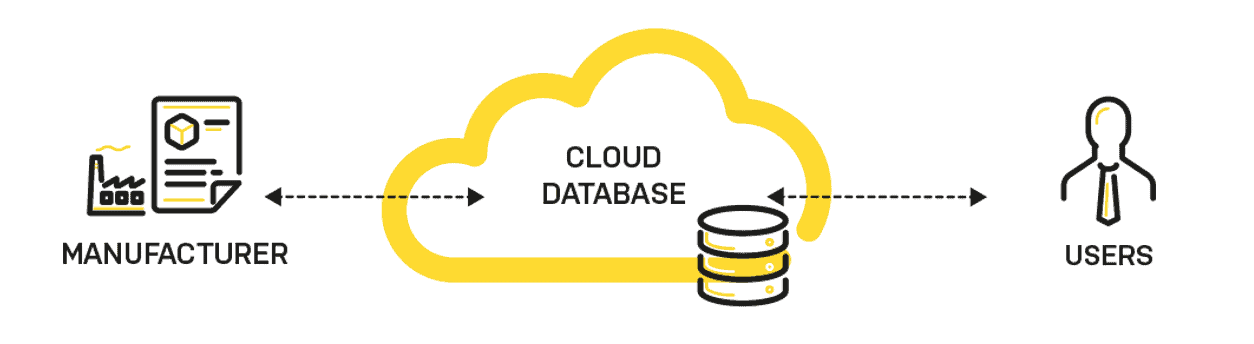
Change a spec in your database, the BIM file updates. Add a new product, it appears in the library. No manual re-export step.
LOD levels we work with
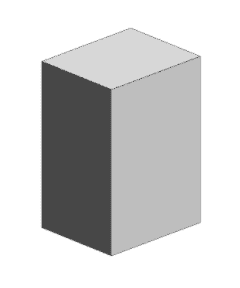
LOD 100 (closed box), too generic for product manufacturers. Not useful here.
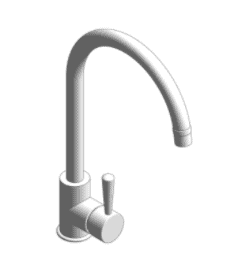
LOD 200 (generic geometry), what designers actually want during the specification phase. They care about the data attached, not a perfect 3D replica. This is what BIM Project produces automatically.
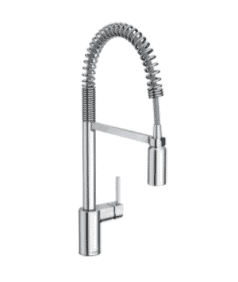
LOD 400 (detailed geometry), exact 3D replicas. Most brands aim for this, then never finish, because each product takes hours to model individually. We don’t recommend leading with LOD 400.
What you end up with
- A brand-specific BIM library generated from your product database
- A web-based access point, either on a dedicated subdomain or integrated into your existing site
- Optional Revit, Archicad, or Allplan plug-ins so designers pull your library in from inside their tool of choice
- A maintenance workflow that keeps the library current as your range evolves
We run the project together with you, end-to-end.